One year of the accessibility law for online shops in Greece
Since June 2025, e-shops in Greece must be usable by people with disabilities, unless they are microenterprises. Who is covered, what it asks, and why it is worth doing even if you are exempt.
On 28 June 2025, the European Accessibility Act started to apply across the EU. In Greece it was brought into law by Law 4994/2022. A year later, I would guess most small shop owners here have still not heard of it — and a fair number of those who have assume it is only for banks and airlines.
It is not. Online shops are among the services it covers. So this is a plain summary of where things stand, one year in, and why I think it is worth doing even for businesses the law does not reach.
Who it covers
The law covers a list of products and services. For the businesses we work with, the relevant ones are:
- E-commerce services — selling products or services to consumers online.
- Elements of passenger transport services, such as online ticketing, for the operators it applies to.
There is an important exemption: microenterprises providing services are exempt. A microenterprise here means fewer than 10 employees and annual turnover or balance sheet total of no more than €2 million. A lot of small Greek e-shops fall under that. A shop that has grown past ten people does not.
Legal commentary on the Greek law notes administrative fines of up to €100,000 for non-compliance. Whether and how that is enforced against small shops is something we will only learn over time.
What "accessible" means in practice
The detailed requirements refer to European standards, which in turn align closely with WCAG, the web accessibility guidelines. In everyday terms, a shop should work for someone who:
- cannot use a mouse and moves through the page with a keyboard;
- uses a screen reader, which needs real text, labelled buttons and images with descriptions;
- sees poorly, and needs enough contrast and text that can be enlarged without the layout breaking;
- is colour-blind, so "out of stock" cannot be shown only in red.
The shop also has to publish information on how it meets the requirements.
Why it is worth doing anyway
Greece has one of the oldest populations in Europe. The customers who struggle with low contrast, tiny text and fiddly buttons are not a small edge case; they are your grandparents' generation buying christening gifts, and increasingly your parents'.
Accessibility work also overlaps almost completely with things you want anyway: clear structure that search engines read well, forms that work on a phone, pages that load fast. When we built Dr Dimitris Saridis's practice site, it scored 92 for accessibility in Google's PageSpeed test alongside 96 for performance — not as a separate project, but because the same decisions produce both.
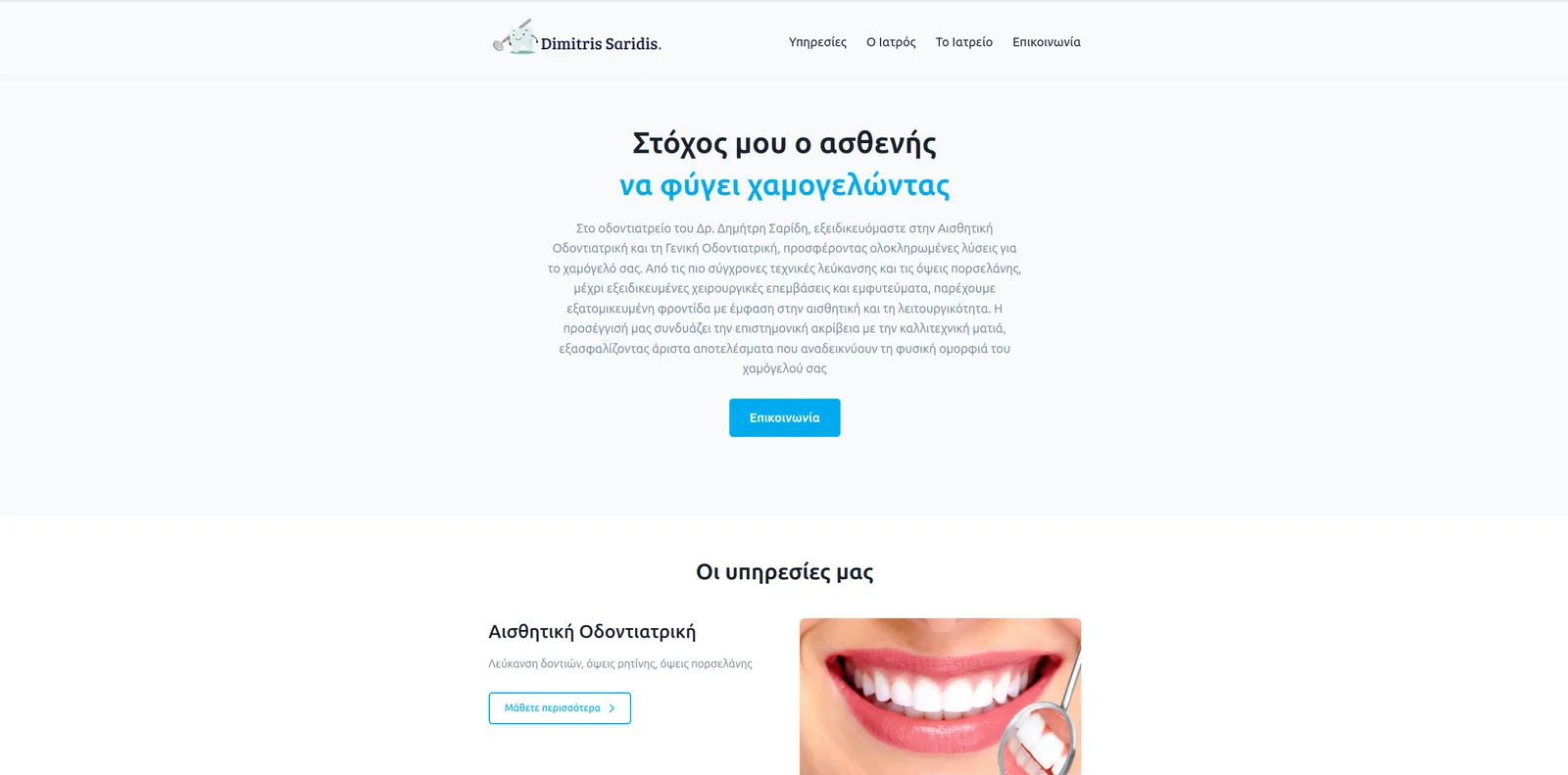 Dr Dimitris SaridisA practice website that loads before the waiting room does
Five checks you can do today
- Unplug the mouse. Can you find a product, add it to the cart and reach checkout using only the Tab and Enter keys? Can you always see where you are?
- Zoom to 200%. Does the page still work, or do buttons disappear off-screen?
- Run a free automated test such as Lighthouse in Chrome. It will not catch everything, but it catches the obvious.
- Check your images. Product photos need text descriptions. "IMG_4431" is not one.
- Read your forms without the placeholder text. If a field only says what it wants inside the box, it stops saying so as soon as someone types.
The honest version
If you are a microenterprise, the law likely does not apply to your shop today — check with your lawyer. If you are not, it has applied for a year. Either way, the fixes are usually smaller than people fear. If you want a second pair of eyes on your shop, send us the link.