Patient records in a spreadsheet: the questions nobody asks until something goes wrong
Many small practices keep patient details in a shared file, an email thread and a phone. Health data is the most sensitive kind there is. Five plain questions to ask about where yours lives.
A lot of small practices — dentists, physiotherapists, psychologists, dieticians — keep patient information in whatever was to hand when the practice opened. A spreadsheet on the reception computer. A copy on the doctor's laptop. X-ray photos sent over a messaging app. An email thread with a lab.
Nobody chose this as a data protection policy. It just grew. And it usually works, which is why nobody looks at it closely.
Why health data is different
Under the GDPR, data about someone's health is a special category. It is held to a stricter standard than a customer's name and phone number, and the regulation expects you to protect it with measures that match the risk. In Greece the supervisory authority is the Hellenic Data Protection Authority.
I am not a lawyer, and this is not the place for legal detail. What I can do is point to where, in the everyday setup of a small practice, the risk usually sits.
Five questions worth asking
1. Who can open it? If the file sits on a shared computer with no login, the answer is "anyone who sits down". That includes a part-time assistant from two years ago, a cleaner, a family member helping out on a Saturday.
2. What happens when someone leaves? When a staff member leaves, can you remove their access in one step? Or do they still have the file in their email, the app on their phone, and the password to the shared account?
3. Where are the copies? Every attachment sent, every USB stick, every "I'll just keep a copy on my laptop" is another place the data lives. A stolen laptop with an unencrypted spreadsheet of patients is exactly the incident nobody plans for.
4. Is there a backup, and has anyone tried to restore it? A backup that has never been restored is a hope, not a backup. And a backup on a drive next to the computer burns in the same fire.
5. Can you see what happened? If a record was changed or deleted, could you tell who did it and when? A spreadsheet cannot tell you.
What a proper system changes
The answer is not always new software. A practice with one person and one locked computer, with encrypted backups, can be in reasonable shape.
Where a system helps is that the good answers become the default: individual logins, so access follows the person; permissions, so reception sees appointments without seeing clinical notes; one place for the data instead of copies in inboxes; and a record of changes.
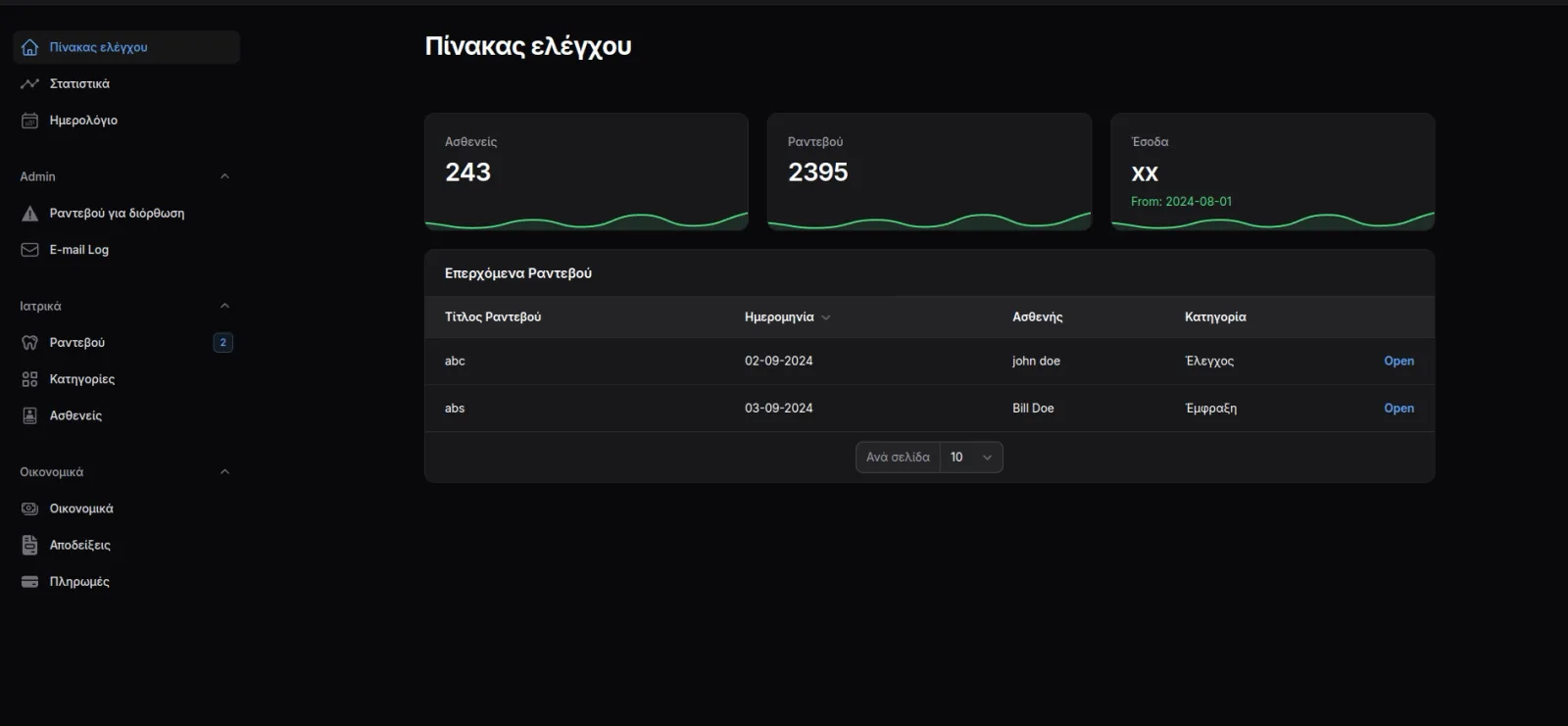
When we replaced the paper diary and spreadsheet at Saridis Dental Clinic, bringing patients, appointments and payments into one system also meant there was one place to protect, instead of several. The KlinikiMitera clinic system holds patient, doctor and procedure records in the same way, for the same reason.
 Saridis Dental ClinicA dental practice that stopped keeping two sets of books
Where to start
Take a sheet of paper and list every place a patient's name and health information exists in your practice today — every file, device, inbox and app. Most people are surprised by the length of the list. Show it to your data protection adviser, and if the answer is that it needs to move into one properly secured place, talk to us.